Troubleshooting Voice Assistant Integration Issues in Your Connected Smart Home
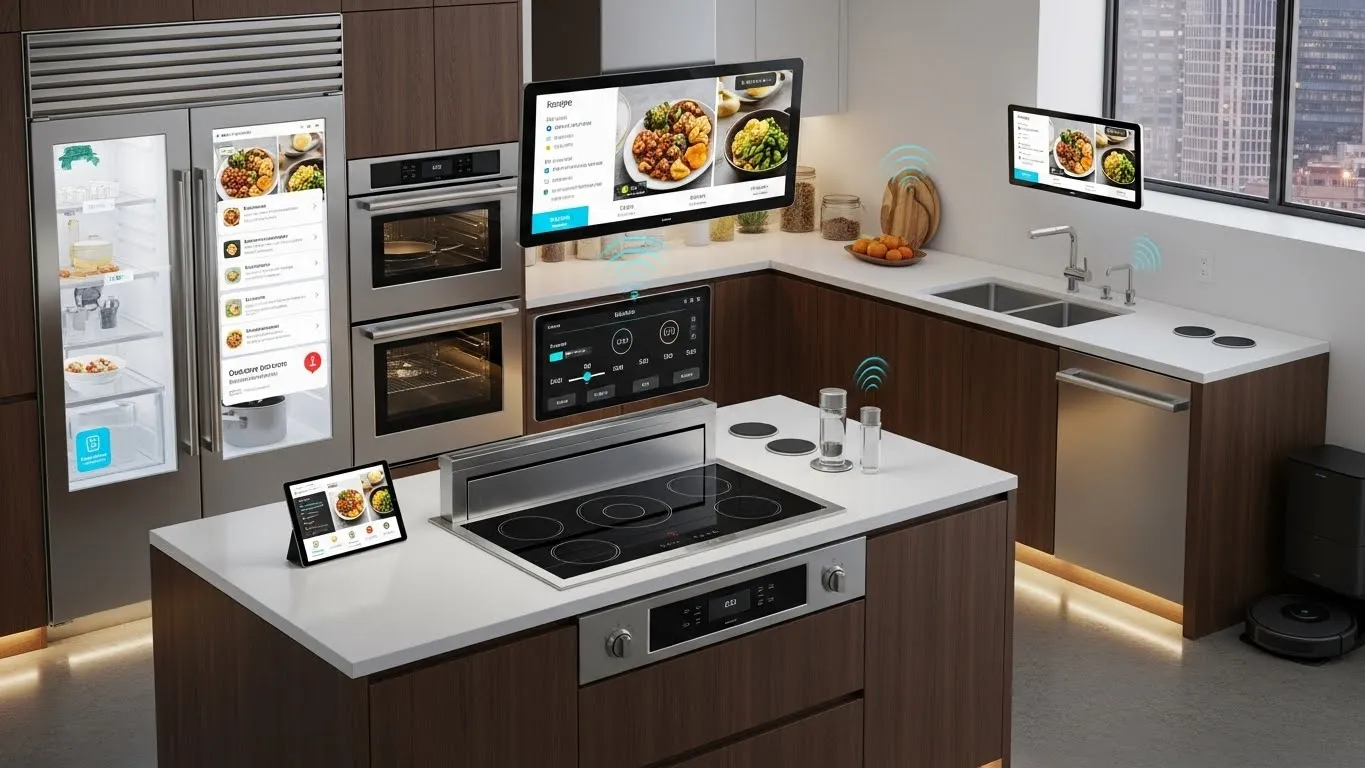
Voice assistants like Amazon Alexa, Google Assistant, and Apple Siri have revolutionized the way we interact with our connected smart homes, offering unparalleled convenience through simple voice commands. However, integrating these intelligent systems isn't always a smooth process. Users frequently encounter various voice assistant integration issues, from devices not responding to commands to complete connection failures. This comprehensive guide is designed to help you diagnose and resolve these common problems, ensuring your smart home operates flawlessly. We'll dive into practical troubleshooting steps, emphasizing network stability, device compatibility, and software integrity to restore seamless control over your smart devices, including your intelligent lighting systems.
Key Points:
- Network Health is Crucial: Ensure your Wi-Fi network is stable and provides adequate coverage for all smart devices.
- Check Device Compatibility: Verify that your smart devices and voice assistant hub are compatible with each other and your ecosystem.
- Regular Updates are Key: Keep both your voice assistant software and smart device firmware up-to-date to prevent compatibility issues.
- Reboot and Reconnect: Simple power cycles of devices, routers, and hubs can often resolve temporary glitches.
- Advanced Diagnostics: Understand when to delve deeper into router settings, channel interference, or factory resets for persistent problems.
Understanding Voice Assistant Integration Challenges
The convenience of controlling your home with voice commands is undeniable. Yet, when your smart speaker suddenly says, "Sorry, I can't reach that device," it can be incredibly frustrating. Voice assistant integration issues often stem from a few core areas within the complex ecosystem of a connected smart home. Understanding these root causes is the first step towards effective troubleshooting.
The Foundation: Network Stability and Coverage
At the heart of every connected smart home is a robust Wi-Fi network. Many smart home connectivity problems with voice assistants can be traced back to an unstable or overcrowded network. Imagine your smart home devices, including your intelligent lighting, as participants in a conversation; if the communication lines (your Wi-Fi) are jammed or weak, messages won't get through. Issues like slow internet speeds, router placement, signal interference from other electronics, or too many devices on a single band can all disrupt the seamless operation of your voice assistant.
Device Compatibility and Ecosystem Considerations
The smart home market is diverse, with numerous brands and platforms. Ensuring proper device compatibility across your entire setup is paramount. Not all smart devices speak the same language or are designed to work harmoniously with every voice assistant. For instance, a Zigbee-based smart light might require a specific hub that's not natively integrated with your voice assistant, or perhaps you're mixing devices from different ecosystems (e.g., Apple HomeKit with Google Home). Compatibility extends beyond brand; sometimes, specific models or older versions of devices may not fully support the latest voice assistant features. Industry developments like the Matter standard aim to simplify this, but current homes often still face these hurdles.
Software Glitches and Firmware Updates
Software is the brain of your voice assistant and smart devices. Just like any software, it can encounter bugs, temporary glitches, or become outdated. Manufacturers frequently release firmware updates for smart devices and software updates for voice assistant applications to improve performance, add new features, and patch security vulnerabilities. Neglecting these updates can lead to unexpected voice assistant integration issues, where commands are misinterpreted or devices simply fail to respond. An out-of-date smart hub or a smart bulb running old firmware might struggle to maintain a stable connection or correctly interpret commands from a newly updated voice assistant. According to a smart home technology report published by Tech Insights in Q3 2024, a significant percentage of smart device failures are directly linked to outdated firmware or application software.
Step-by-Step Troubleshooting for Voice Assistant Issues
When your voice commands aren't working as expected, a systematic approach to troubleshooting is essential. Don't jump straight to advanced solutions; often, the fix is simpler than you think.
Basic Diagnostic Steps
Start with the fundamentals. These simple checks can often resolve common voice assistant integration issues quickly.
- Power Cycle Everything: This is the golden rule of tech support. Unplug your Wi-Fi router, voice assistant speaker (e.g., Alexa Echo, Google Nest Hub), and the unresponsive smart device for about 30 seconds. Plug them back in, starting with the router, then the voice assistant, and finally the smart device. This can clear temporary bugs and refresh network connections.
- Check Wi-Fi Connection: Ensure your voice assistant and smart devices are connected to the correct Wi-Fi network. Sometimes, devices might automatically connect to a weaker 2.4GHz band when they prefer 5GHz, or vice versa. Verify network names (SSIDs) and passwords. For smart lighting, ensuring they are on the same network as your voice assistant is critical for discovery.
- Review App Settings: Open the voice assistant app (Alexa, Google Home, Home app) and the individual smart device's app. Check if the devices are listed, show as "online," and are assigned to the correct rooms or groups. Sometimes, a device might simply have been "unlinked" or disabled in the app.
- Verify Voice Commands: Speak clearly and ensure you're using the exact phrases or device names your voice assistant expects. If you've renamed a device in one app but not another, it can cause confusion. Try a simple command like "Turn on the lights" to a basic smart bulb before more complex routines.
Advanced Network Diagnostics
If basic steps don't resolve your smart home connectivity problems, it's time to dig deeper into your network.
- Router Placement and Interference: Your router's location significantly impacts Wi-Fi signal strength. Move your router to a central location, away from obstructions and potential interference sources like microwaves, cordless phones, or large metal objects. These can disrupt signals, causing intermittent smart lighting control failures or voice assistant unresponsiveness.
- Channel Congestion: Wi-Fi networks operate on channels. In densely populated areas, neighboring networks can use the same channels, causing congestion and slow downs. Access your router's administration page (usually via a web browser) and look for Wi-Fi channel settings. Experiment with less congested channels, especially for the 2.4GHz band, which many smart devices utilize. Tools are available (e.g., Wi-Fi analyzer apps) that can help identify the least used channels.
- DHCP Lease Renewal: Sometimes, devices fail to get a valid IP address from the router. While power cycling often fixes this, you can manually renew DHCP leases for specific devices or adjust your router's DHCP lease time settings. This ensures all your smart home devices, particularly those for intelligent lighting systems, consistently receive a network address.
- Router Firmware Update: Just like smart devices, your router's firmware should be kept up-to-date. Manufacturers release updates to improve performance, security, and compatibility. Check your router manufacturer's website for the latest firmware and installation instructions.
Resolving Device-Specific Connectivity Problems
Individual smart devices can have unique quirks. It's crucial to consult their specific manuals or support pages.
- Re-linking Accounts: For many smart home devices, you link their service account to your voice assistant (e.g., linking your Philips Hue account to Alexa). If integration breaks, try unlinking and then re-linking the service in your voice assistant app. This often refreshes the connection and re-discovers devices.
- Factory Reset Device: As a last resort for a persistently unresponsive device, a factory reset might be necessary. This will revert the device to its original settings, requiring you to set it up again from scratch. This can be particularly effective for intelligent lighting systems that have become unresponsive. Remember to check the manufacturer's instructions, as the reset process varies by device. For example, some smart bulbs require a specific on/off sequence to reset.
- Matter and Thread Compatibility: For newer devices, ensure you understand how Matter and Thread protocols are being implemented. These are designed to enhance interoperability, but initial setup might still require specific hubs or border routers. Verify that all components in your smart home ecosystem support these standards if you are adopting them.
Focusing on Intelligent Lighting Systems
Intelligent lighting systems are a common source of voice assistant integration issues, primarily due to their numerous connection points (bulbs, switches, hubs, voice assistants). If your smart lights aren't responding:
- Check the Hub: Many advanced lighting systems like Philips Hue rely on a central hub. Ensure this hub is powered on, connected to your router, and its status lights indicate a healthy connection.
- Bulb Proximity: Smart bulbs, especially Zigbee-based ones, often form a mesh network. If a bulb is too far from the hub or another mesh node, it may lose connection. Consider moving your hub or adding a smart plug as a repeater.
- Switch Power: Ensure the physical light switch for your smart bulb is always in the "on" position. Turning off the physical switch cuts power to the smart bulb, making it unresponsive to voice commands.
Future-Proofing Your Smart Home Voice Control
As smart home technology evolves, staying informed is key. Consider solutions that support emerging standards like Matter and Thread, which promise greater interoperability. Regularly audit your devices and update those that are nearing their end-of-life or no longer receive firmware updates. Preventative maintenance, such as optimizing your Wi-Fi regularly and creating redundant control options (e.g., smart buttons), can significantly reduce future voice assistant integration issues. Experts at Smart Home World Journal (2023) continually advise prioritizing open standards and reliable network infrastructure for long-term smart home stability.
FAQ Section
Q1: Why does my voice assistant say a device is "unresponsive" when it's clearly connected?
Sometimes, a device can appear online but have a delayed response or internal glitch. This might be due to a momentary network hiccup, a server-side issue with the device's manufacturer, or an outdated firmware on the device itself. Try power cycling the specific device and your voice assistant speaker, then check for any available firmware updates through the device's dedicated app.
Q2: How can I improve my smart home's Wi-Fi signal for better voice assistant performance?
Improving your Wi-Fi involves several steps. Position your router centrally and elevate it to reduce signal obstruction. Ensure your router's firmware is up-to-date. Consider upgrading to a mesh Wi-Fi system if you have a large home, or using Wi-Fi extenders/repeaters for weak signal areas. Avoid placing routers near other electronics that emit wireless signals, such as microwaves, which can cause interference.
Q3: What role does device compatibility play in voice assistant failures, especially for intelligent lighting?
Device compatibility is crucial. Not all smart lights work with every voice assistant or smart home ecosystem. Issues arise if a device requires a proprietary hub your voice assistant doesn't support, or if the device's software isn't updated to communicate with the voice assistant's latest protocols. Always check the "Works with Alexa" or "Works with Google Home" labels before purchase, and ensure your lighting hub is properly integrated.
Q4: My voice assistant sometimes fails to execute commands for my intelligent lighting system but works for other devices. Why?
This often points to an issue specific to your lighting system's connection or configuration. Check the dedicated app for your intelligent lighting (e.g., Philips Hue, Lutron Caséta) to ensure all lights are online and responsive there. Verify the lighting system's hub is connected and healthy. Also, confirm that the light names are consistent across all apps and your voice assistant's understanding of them.
Conclusion: Reclaiming Seamless Control
Resolving voice assistant integration issues in your connected smart home might seem daunting, but by systematically addressing network health, device compatibility, and software updates, you can restore harmony. The journey to a fully responsive smart home is one of continuous optimization. Don't hesitate to experiment with the troubleshooting steps outlined, particularly for your intelligent lighting systems, which greatly benefit from reliable voice control.
Ready to enhance your smart home experience? Share your own troubleshooting tips in the comments below! If you found this guide helpful, consider subscribing to our newsletter for the latest smart home insights and solutions.
Further Reading & Exploration:
- Discover more about optimizing your smart home network performance: /articles/optimizing-your-smart-home-network-for-performance
- Explore advanced setups and efficiency tips for intelligent lighting: /articles/advanced-smart-lighting-setups-for-efficiency
- Dive deeper into the world of intelligent lighting systems and their benefits: /categories/intelligent-lighting-systems