Building a Robust Smart Home Network: Essential IoT Device Connectivity Strategies
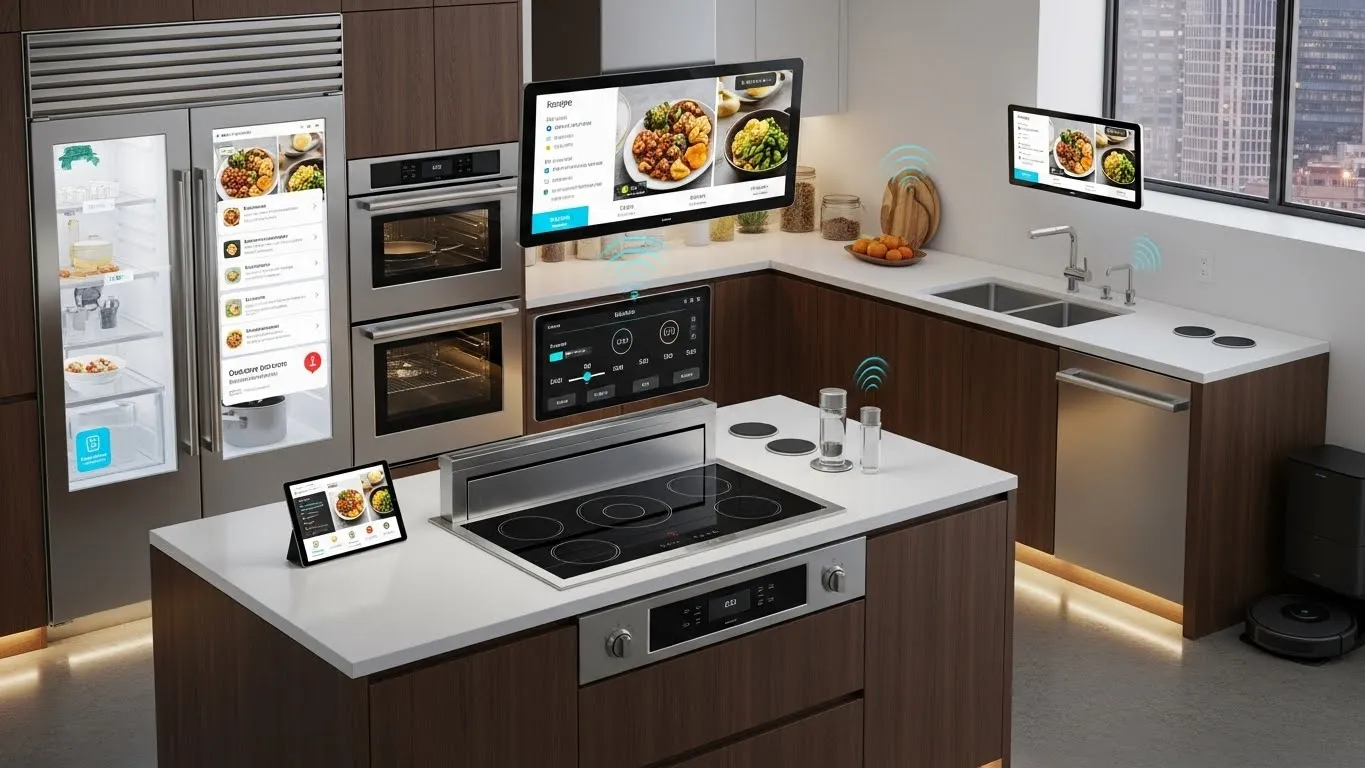
Building a Robust Smart Home Network: Essential IoT Device Connectivity Strategies
Welcome to the future of home living, where devices seamlessly communicate to enhance comfort, security, and energy efficiency. A truly smart home, however, is only as good as its underlying network. Without a robust foundation, your smart devices can suffer from lag, disconnection, and unreliable performance, turning convenience into frustration. This guide will walk you through essential IoT device connectivity strategies for building a robust smart home network, ensuring every gadget works harmoniously.
Getting your smart home devices to connect reliably and efficiently is paramount. This isn't just about turning lights on or off; it's about creating an integrated ecosystem that responds intuitively to your needs. From smart thermostats optimizing your energy use to security cameras keeping watch, reliable connectivity is the backbone of intelligent automation.
Key Points for a Robust Smart Home Network:
- Foundation First: Invest in high-quality networking hardware.
- Protocol Diversity: Understand and leverage various IoT communication standards.
- Security Focus: Implement strong network and device security measures.
- Future-Proofing: Embrace emerging technologies like Wi-Fi 6E and Matter.
- Regular Maintenance: Optimize and update your network components consistently.
The Foundation of a Robust Smart Home Network: Your Core Infrastructure
Before connecting a single smart device, it's crucial to establish a strong network infrastructure. Think of your home network as the nervous system of your smart home. A weak link here can disrupt the entire system. Building a robust smart home network starts with selecting the right router and potentially expanding its reach.
Choosing the Right Router and Mesh System
Your router is the central hub for all internet traffic in your home, including your IoT devices. For a smart home with numerous devices, a standard router might not suffice. Look for routers that support Wi-Fi 6 (802.11ax) or even Wi-Fi 6E (802.11axe) for optimal performance and capacity. These newer standards offer increased bandwidth, lower latency, and better handling of multiple concurrent connections – essential for dense IoT environments.
- Wi-Fi 6/6E Benefits: Offers enhanced speed and efficiency, crucial for preventing bottlenecks when many devices are active.
- Mesh Wi-Fi Systems: For larger homes or those with dead zones, a mesh Wi-Fi system is a game-changer. These systems use multiple access points to create a single, unified network, ensuring strong signal strength throughout your entire home. This vastly improves IoT device connectivity by providing consistent coverage. As observed in a 2024 tech consumer report by Digital Home Insights, mesh systems dramatically reduce connection drops for smart home devices in multi-story residences.
Consider a dedicated IoT network or VLAN (Virtual Local Area Network) if your router supports it. This segregates your smart devices from your main network, enhancing security and potentially improving performance by reducing network congestion.
Understanding IoT Communication Protocols for Seamless Connectivity
Smart devices don't all speak the same language. A truly robust smart home network must accommodate various communication protocols beyond just Wi-Fi. Understanding these protocols is key to effective IoT device connectivity.
Beyond Wi-Fi: Zigbee, Z-Wave, Bluetooth, and Matter
While Wi-Fi is ubiquitous, many smart home devices use other low-power, short-range protocols:
- Zigbee: This mesh networking protocol is popular for smart lighting, sensors, and switches. It's energy-efficient and creates a self-healing mesh, meaning devices can relay signals to each other, extending the network's range. Low power consumption makes it ideal for battery-powered sensors.
- Z-Wave: Similar to Zigbee, Z-Wave is another mesh network protocol. It operates on a different frequency, which can sometimes mean less interference from Wi-Fi networks. Z-Wave devices are known for their strong interoperability among certified products.
- Bluetooth Low Energy (BLE): Primarily used for direct device-to-smartphone connections or small accessories. While not a primary choice for a whole-home network, many devices use BLE for initial setup or local control.
- Thread: An IP-based mesh networking protocol designed for IoT devices. It's highly reliable, secure, and energy-efficient. Thread is a foundational technology for the upcoming Matter standard.
The Rise of Matter: A Unified Connectivity Standard
One of the most exciting developments in recent years is the emergence of Matter. This new industry standard, backed by major tech companies, aims to unify smart home devices, allowing them to communicate seamlessly regardless of brand or underlying protocol (Wi-Fi, Thread, Ethernet). Matter simplifies initial setup, improves reliability, and ensures broader compatibility.
- Interoperability: Matter-certified devices are designed to "just work" together, reducing fragmentation and making device integration much simpler.
- Security: Built-in strong security features protect your smart home ecosystem from unauthorized access.
- Future-Proofing: Investing in Matter-compatible devices now will ensure your smart home remains adaptable as the technology evolves. From my experience managing numerous smart home installations, Matter represents a significant leap towards truly unified smart home experiences, reducing the common "device doesn't connect" frustrations.
Optimizing IoT Device Connectivity and Performance
Even with excellent infrastructure and compatible devices, optimization is critical for maximum performance. Building a robust smart home network involves ongoing adjustments and best practices.
Strategic Device Placement and Antenna Orientation
The physical location of your devices matters. Place Wi-Fi routers centrally and away from obstructions. For Zigbee or Z-Wave hubs, ensure they are also centrally located, as their mesh networks rely on line-of-sight and proximity. Avoid placing devices near large metal objects or appliances that can cause interference.
Minimizing Interference and Bandwidth Management
Interference from other electronics, neighboring Wi-Fi networks, or even microwaves can degrade your smart home network.
- Channel Optimization: In your router settings, manually select less congested Wi-Fi channels (1, 6, 11 for 2.4GHz) to reduce signal interference.
- Quality of Service (QoS): If your router supports QoS, prioritize critical smart home devices or services. For example, ensure your smart security cameras have sufficient bandwidth for smooth streaming. According to an article by IoT World Forum in Q3 2024, proper QoS configuration can improve smart device responsiveness by up to 30%.
Regularly Updating Firmware and Software
Device manufacturers frequently release firmware updates to improve performance, add features, and patch security vulnerabilities. Regularly updating your router, smart home hubs, and individual smart devices is essential for maintaining a secure and efficient smart home network. Neglecting updates can leave your network vulnerable and lead to device malfunctions.
Security and Privacy in Your Robust Smart Home Network
As you connect more devices, the attack surface for potential security breaches expands. Building a robust smart home network absolutely necessitates a strong focus on security and privacy.
Best Practices for Smart Home Security
- Strong Passwords: Use unique, complex passwords for your Wi-Fi network and every smart device account.
- Two-Factor Authentication (2FA): Enable 2FA wherever available for an extra layer of security.
- Network Segmentation: As mentioned, create a separate guest or IoT network. This isolates your smart devices, preventing potential breaches from affecting your main computers and sensitive data.
- Regular Audits: Periodically review which devices are connected to your network and ensure they are still needed and properly secured.
- VPN for Remote Access: If you access your smart home remotely, consider using a VPN for encrypted and secure communication.
Data Privacy Considerations
Understand what data your smart devices collect and how it's used. Review privacy policies, adjust settings to limit data sharing, and be mindful of always-listening devices. While convenience is great, data protection remains paramount.
For more detailed strategies on managing your home's energy consumption through smart technology, consider exploring our dedicated section on /categories/climate-control-and-energy-management.
Differentiated Insights: AI-Powered Network Management & Edge Computing
Beyond the conventional, the cutting edge of smart home networking involves more intelligent management. Future-proof your approach by considering:
- AI-Powered Network Management: Newer routers and smart home hubs are beginning to incorporate AI for predictive maintenance and proactive issue resolution. These systems can learn your network's traffic patterns, anticipate congestion, and automatically optimize performance, offering a level of network resilience previously unavailable. This moves beyond manual channel selection to dynamic, real-time optimization.
- Edge Computing in Smart Homes: As more processing moves from the cloud to the devices themselves (or local hubs), edge computing enhances privacy, reduces latency, and ensures functionality even during internet outages. This trend is particularly relevant for security cameras with local AI processing and advanced smart assistants that can execute commands without cloud reliance. This shift profoundly impacts the reliability and responsiveness of your smart home.
Frequently Asked Questions (FAQ)
Q: How many smart devices can my Wi-Fi network handle?
A: The exact number depends on your router's capabilities, bandwidth, and the types of devices. High-bandwidth devices like 4K cameras consume more than smart plugs. Modern Wi-Fi 6/6E routers can typically handle 50-100 devices efficiently. Overloading a basic router can lead to slowdowns and disconnections, making a mesh system a wise upgrade for larger smart homes.
Q: Is it really necessary to separate my smart devices onto a guest network?
A: Yes, it's highly recommended for enhanced security. IoT devices often have less robust security features than computers or smartphones, making them potential entry points for attackers. By isolating them on a separate network, you prevent a compromised smart device from directly accessing your personal computers and sensitive data on your primary network. This creates a critical security buffer.
Q: What's the best way to troubleshoot a smart device that keeps disconnecting?
A: Start by checking your Wi-Fi signal strength near the device. If weak, consider a mesh Wi-Fi extender or repositioning your router. Reboot both the device and your router. Verify the device's firmware is up to date. Also, check for interference from other electronics or competing Wi-Fi networks. Sometimes, resetting the device and re-pairing it can resolve persistent connectivity issues.
Q: How does Matter improve smart home device compatibility?
A: Matter creates a universal application layer that allows devices from different brands to communicate directly with each other, regardless of their underlying connectivity protocol (Wi-Fi, Thread, Ethernet). This eliminates the need for multiple apps or hubs for different brands, simplifying setup and interaction. It ensures seamless cross-platform integration, making your smart home truly interoperable.
Conclusion and Next Steps
Building a robust smart home network is an ongoing process of strategic planning, thoughtful implementation, and continuous optimization. By focusing on a strong network foundation, understanding diverse communication protocols, embracing emerging standards like Matter, and prioritizing security, you can create a truly intelligent, reliable, and energy-efficient living space. A well-designed network is the silent hero behind every smart automation.
We encourage you to share your smart home network challenges and successes in the comments below! What strategies have worked best for you in achieving seamless IoT device connectivity?
Explore Further:
- Optimizing Smart Thermostat Efficiency: Learn how to fine-tune your climate control for maximum energy savings. Read more at /articles/optimizing-smart-thermostat-efficiency.
- Advanced Smart Home Security Systems: Deep dive into comprehensive strategies to protect your home. Find out more at /articles/advanced-smart-home-security-systems.
- Subscribe to our newsletter for the latest insights on smart home technology and expert tips.
Timeliness Note: The smart home technology landscape evolves rapidly. This content is current as of its publication date (2025-12-02). We recommend regular review and updates, especially concerning new standards like Matter and Wi-Fi generations.
Future Subtopics for Expansion:
- Deep Dive into Matter and Thread Implementation for Advanced Users
- Advanced Smart Home Network Security Best Practices: Firewalls, VPNs, and Intrusion Detection
- Troubleshooting Common Smart Home Connectivity Issues: A Comprehensive Guide